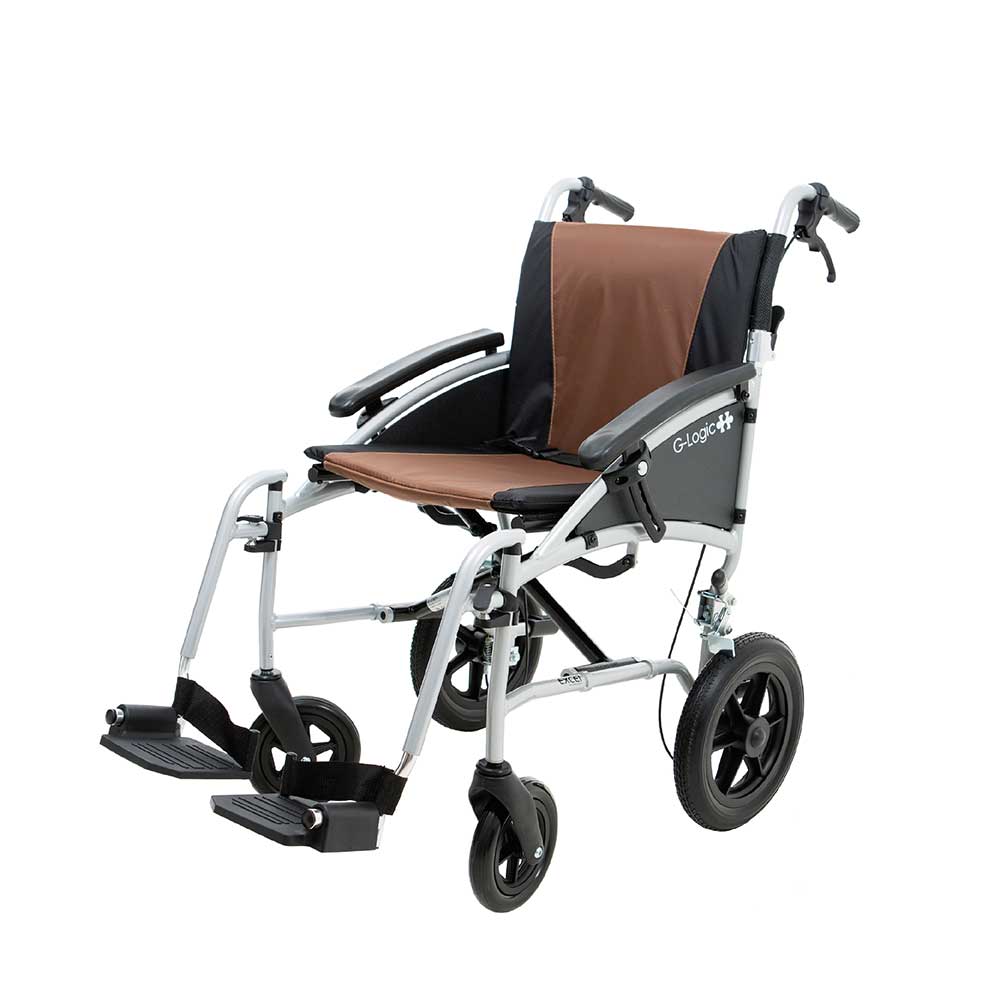
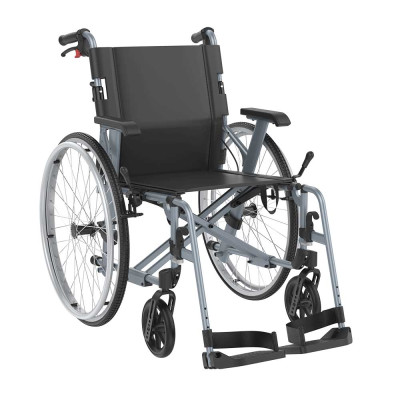
The Excel G-Logic Transit is a lightweight, attendant-propelled wheelchair with a folding aluminium frame, three seat widths and a choice of frame and upholstery colours. It combines everyday comfort with practical folding and removable components for storage and transportation.
Lightweight Transit Wheelchair
The G-Logic Transit uses smaller rear wheels and is designed to be pushed by an attendant using the rear push handles. Attendant brakes are fitted as standard, providing additional speed control while pushing and a parking function when the wheelchair is stationary.
Its lightweight aluminium frame folds through the centre, while the backrest folds down and the legrests can be swung away or removed. These features make the wheelchair easier to prepare for storage or loading into a suitable vehicle.
16″, 18″ or 20″
Three seat-width options
12–15kg
Configuration-dependent weight
Up to 135kg
Maximum capacity on 20″ version
Up to 16
Colour combinations
Folding Frame for Transportation
The main frame folds by lifting the seat upholstery, bringing the sides of the wheelchair together. The half-folding backrest further reduces its height, while the removable seat cushion and detachable legrests allow the wheelchair to be made more compact.
The complete weight varies between approximately 12kg and 15kg depending on the selected seat width and configuration. Individual lifting ability and the vehicle’s available storage space should be considered before purchase.
Choose Your G-Logic Colours
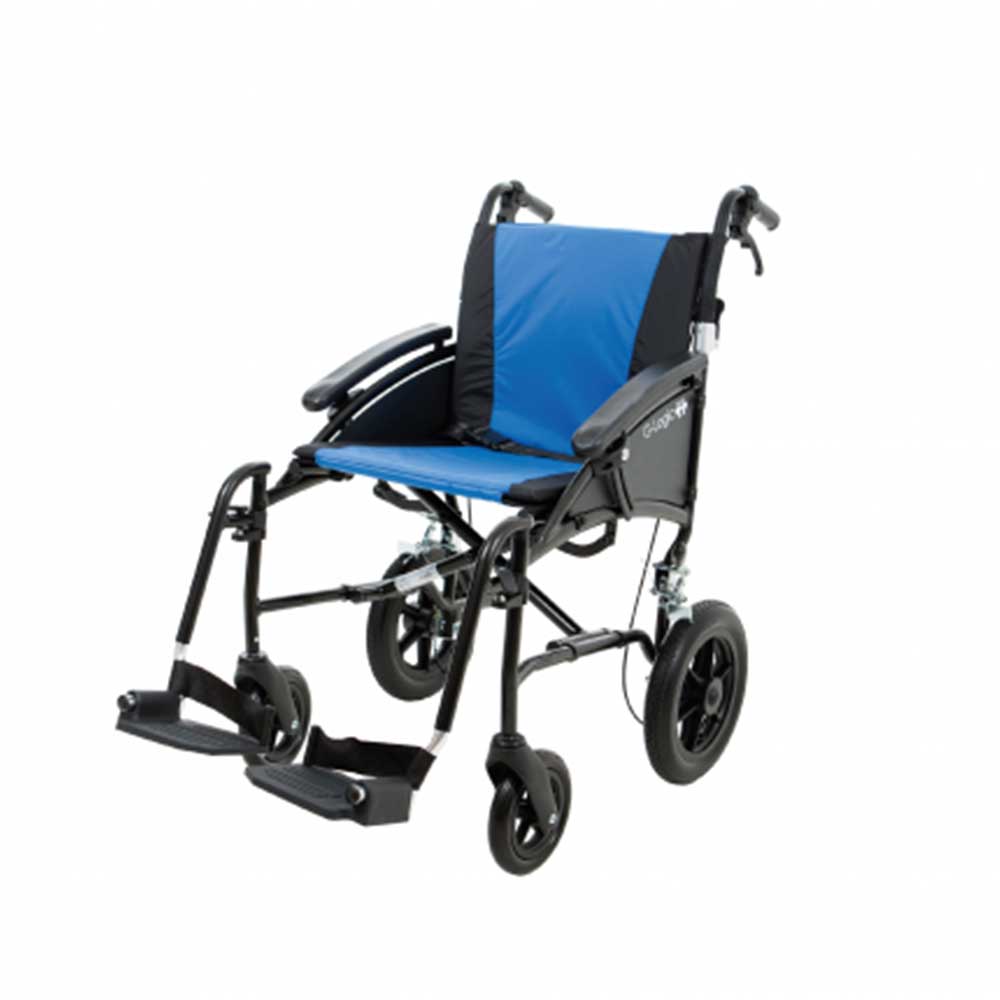
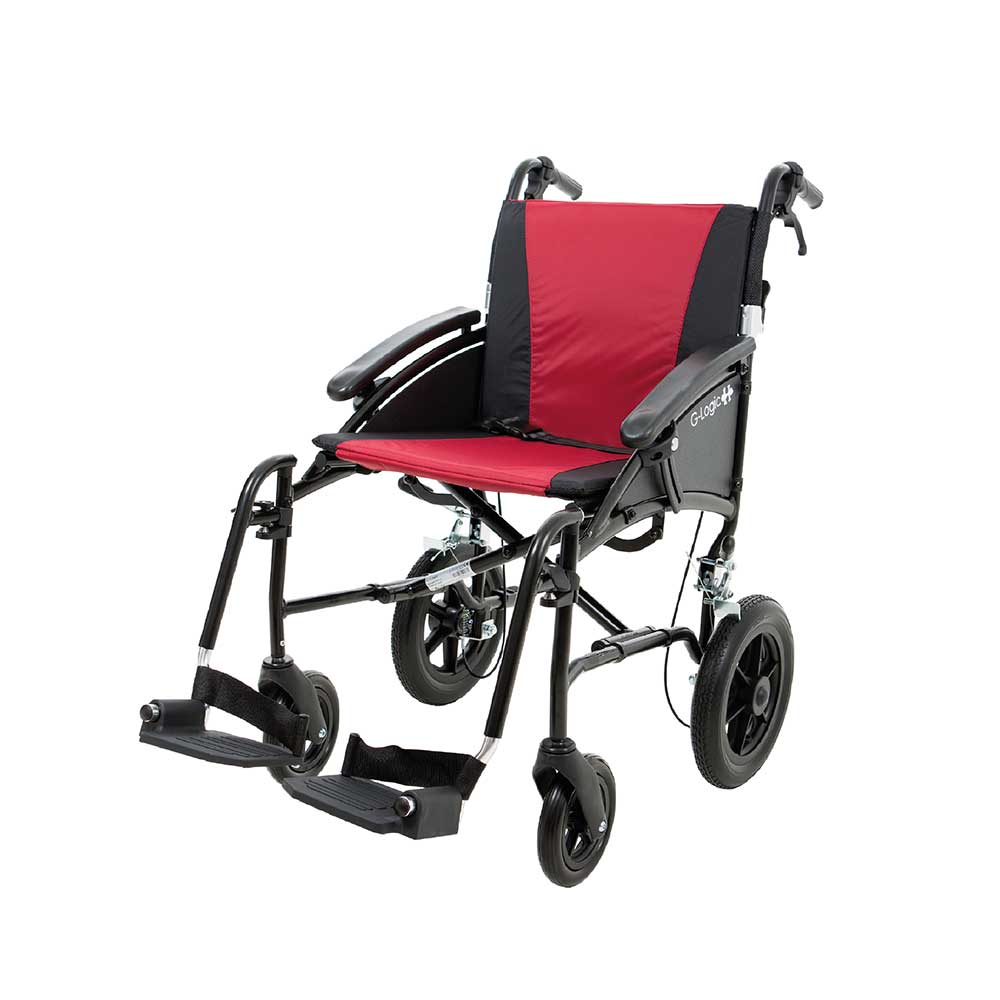
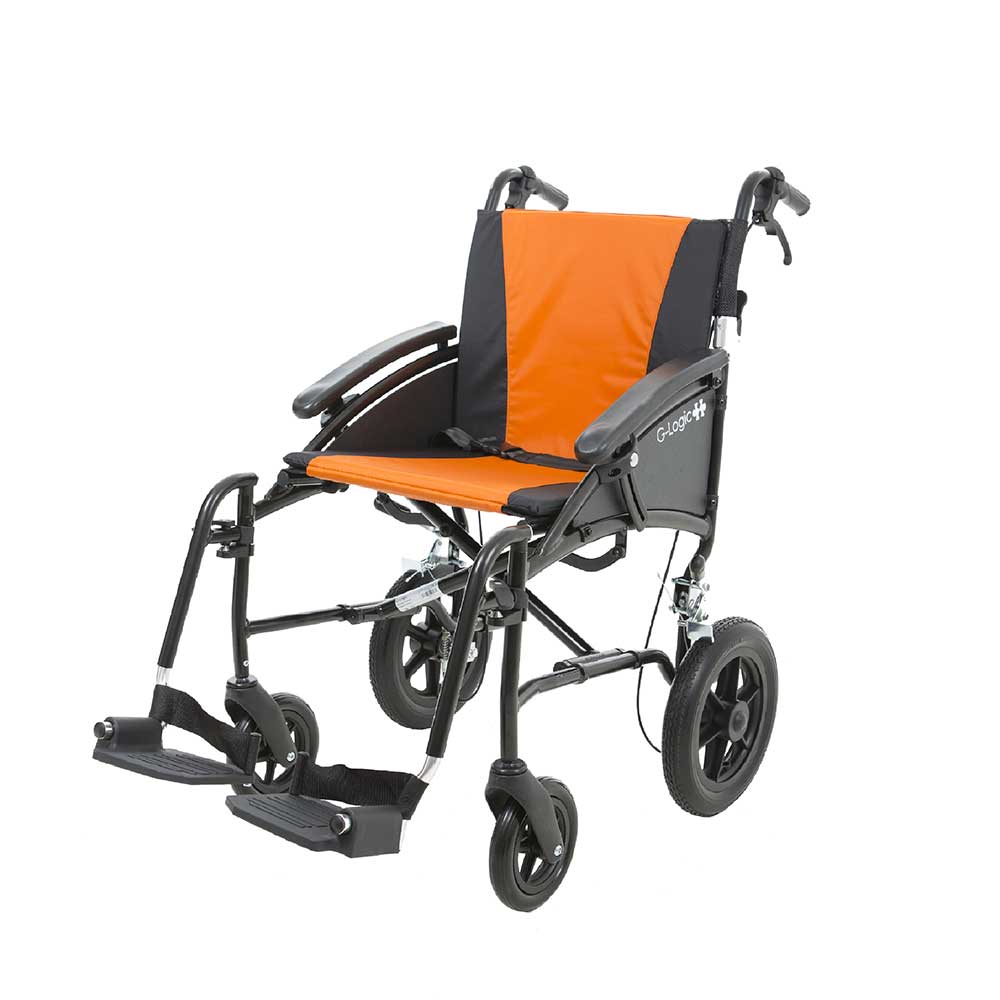
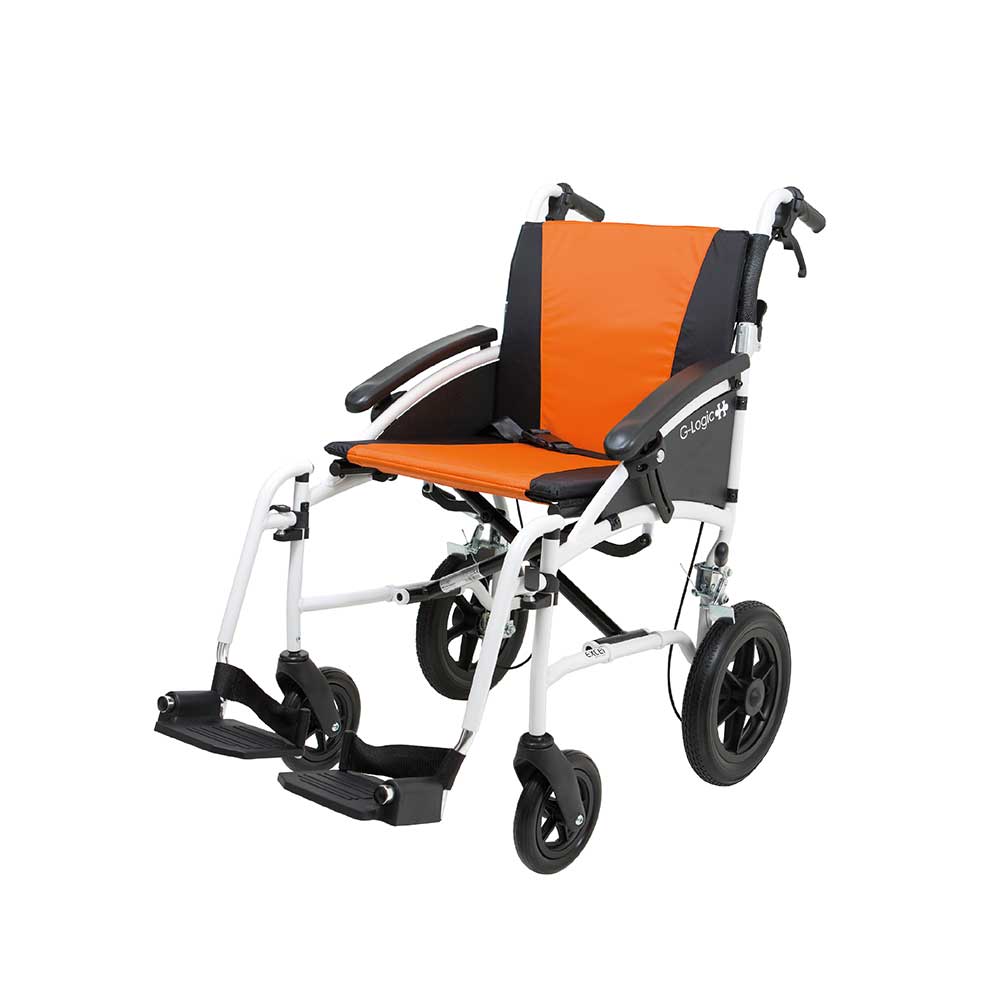
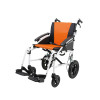
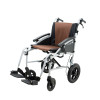
The Excel G-Logic can be personalised with four frame colours and four removable upholstery colour options, creating up to 16 possible combinations.
Choose from White, Silver, Matte Black or Trail Black frames, with Orange, Blue, Burgundy or Brown upholstery through the Modern Mobility product selector.
Three Seat Widths
The transit G-Logic is available with approximately 40cm (16″), 45cm (18″) or 50cm (20″) seat widths. Overall wheelchair width and maximum user weight both change with the selected size.
The 16″ and 18″ versions support users weighing up to 113kg, while the 20″ version supports up to 135kg. Both user fit and practical access through doors, hallways and vehicle storage areas should be considered.
Everyday Comfort and Adjustment
Height-adjustable armrests help tailor the support around the user, while the removable seat and back cushions are attached using hook-and-loop fastenings. The puncture-proof tyres remove the need to maintain pneumatic tyre pressures.
The swing-away legrests help provide clearer access during transfers and can be removed for transport. Footplate height can also be adjusted using the supplied tool to better suit the user’s lower-leg length.
Crash-Tested Wheelchair
The Excel G-Logic has been crash tested for occupied transport in a suitable vehicle. It must be correctly secured at its designated tie-down points using an appropriate wheelchair tie-down and occupant-restraint system. The wheelchair’s own seatbelt does not replace a vehicle occupant restraint.
Need a self-propelled wheelchair?
This transit version must be pushed by an attendant. If the user needs large rear wheels and hand rims for independent propulsion, view the Excel G-Logic Self-Propelled Wheelchair.
Explore more transit wheelchairs or view other products from Van Os Medical.
Excel G-Logic Transit Specifications
Seat width, overall width, total weight and maximum user weight vary according to the selected G-Logic configuration.
| Specification |
16" Narrow |
18" Standard |
20" Wide |
| Seat Width |
40cm (approx. 16") |
45cm (approx. 18") |
50cm (approx. 20") |
| Overall Width |
62cm |
67cm |
72cm |
| Maximum User Weight |
113kg (approx. 17st 11lb) |
113kg (approx. 17st 11lb) |
135kg (approx. 21st) |
Shared Specifications
| Manufacturer |
Excel Mobility / Van Os Medical |
| Model |
Excel G-Logic Transit |
| Product Type |
Attendant-propelled manual wheelchair |
| Frame |
Folding aluminium frame |
| Seat Depth |
43cm |
| Seat Height |
50cm |
| Backrest Height |
44cm |
| Total Length |
Approximately 95–104cm depending on configuration |
| Total Height |
95cm |
| Total Weight |
Approximately 12–15kg depending on configuration |
| Rear-Wheel Configuration |
Transit wheels for attendant propulsion |
| Backrest |
Half-folding |
| Attendant Brakes |
Yes – standard |
| Anti-Tip Wheels |
Optional on transit version |
| Armrests |
Height adjustable |
| Legrests |
Swing-away and removable |
| Footplates |
Foldable and height adjustable using supplied tool |
| Seat and Back Cushions |
Removable and interchangeable |
| Tyres |
Puncture proof |
| Seatbelt |
Yes – standard |
| Crash Tested |
Yes |
| Frame Colours |
White, Silver, Matte Black and Trail Black |
| Upholstery Colours |
Orange, Blue, Burgundy and Brown |
Check the selected size: The 135kg capacity applies only to the 50cm (20") version. The 40cm and 45cm versions have a maximum user weight of 113kg.
Weight information
Published lower weights may exclude removable components such as the legrests. The complete lifting weight depends on the selected seat width and configuration.
Excel G-Logic Transit Features
The G-Logic Transit combines attendant-controlled operation with practical adjustment, folding and colour-customisation features.
Attendant-Propelled Design
Smaller rear wheels make this version suitable for users who will be pushed by an attendant.
Attendant Brakes
Brake levers on the push handles provide speed control and incorporate a parking function.
Folding Aluminium Frame
The lightweight main frame folds through the centre to reduce the wheelchair’s width for storage.
Half-Folding Backrest
The push-handle section folds down to further reduce the wheelchair’s transport dimensions.
Removable Legrests
The legrests swing away for transfers and can be removed completely for transportation.
Adjustable Armrests
Armrest height can be adjusted to better suit the user’s seating requirements.
Puncture-Proof Tyres
Solid tyres remove the need to maintain air pressure or repair punctures.
Removable Upholstery
The padded seat and back cushions can be removed or exchanged when required.
Three Seat Widths
Choose from approximately 16", 18" or 20" seats to suit different users and access requirements.
Customisable Colours
Four frame and four upholstery choices provide up to 16 possible colour combinations.
Optional Elevating Legrests
Elevating legrests may be available as an optional alternative to the standard legrests.
Crash-Tested Construction
Designated tie-down points allow the wheelchair to be secured for occupied transport in a suitable vehicle.
Using and Caring for the Excel G-Logic Transit
The wheelchair user and attendant should read the complete manufacturer instructions before the G-Logic is used. The transit version must be pushed and controlled by an attendant.
Attendant operation only: This transit model does not have large rear-wheel hand rims for independent propulsion. The wheelchair occupant must not attempt to propel it using the smaller rear wheels.
Before Each Use
• Check that the attendant brakes operate correctly and can be secured in their parking position.
• Inspect the tyres, rear wheels and front castors for visible wear, looseness or damage.
• Make sure the legrests are correctly fitted and locked into place.
• Confirm that the backrest is fully raised and both folding mechanisms have locked.
• Check that the seat and back cushions are securely positioned.
• Do not use the wheelchair if any component is damaged, loose or not functioning correctly.
Using the Attendant Brakes
The brake levers on the push handles allow the attendant to reduce the wheelchair’s speed. Apply both brakes evenly to maintain controlled movement.
To engage the parking function, pull the main brake lever and secure the smaller locking clip. Squeeze the main lever again to release it. Apply the parking brakes whenever the wheelchair is stationary and during transfers.
Transfers and Footrests
Place the wheelchair on firm, level ground and apply both parking brakes before the user gets in or out. Swing the legrests away or remove them to provide clearer access.
Never stand on the footplates. They are designed only to support the feet of a seated occupant. The lowest part of the footrests should remain at least 7cm above the ground.
Slopes, Surfaces and Kerbs
Avoid sand, very rough ground and wet, slippery surfaces with limited grip. Do not make sudden changes of direction, as these can affect wheelchair stability.
The manufacturer specifies that slopes steeper than 10° must not be attempted. Use dropped kerbs wherever possible and approach unavoidable kerbs straight on.
When raising the front castors to negotiate a kerb, the attendant should press down on the stepper tube with their foot. Do not force the push handles down, as this may damage the wheelchair.
Folding the Wheelchair
1. Remove the seat and back cushions.
2. Swing away or remove the legrests so they do not obstruct the folding frame.
3. Stand beside the wheelchair and pull upwards on the seat upholstery.
4. Allow the two sides of the frame to move together.
5. Fold the backrest down if a lower transport height is required.
To unfold the wheelchair, reverse the process and check that the frame, backrest, cushions and legrests are securely positioned before use.
Folding the Backrest
Stand behind the wheelchair and squeeze both black backrest-release handles simultaneously. Fold the backrest down, then return it fully to its operating position and check that both sides have locked before the wheelchair is occupied.
Removing the Legrests
• Lift the black release lever on the selected legrest.
• Swing the legrest away from the front of the wheelchair.
• Pull the legrest upwards to remove it completely.
• When refitting it, ensure the legrest clicks securely into place before use.
Vehicle Transport
Transfer the occupant to a suitable vehicle seat whenever possible. If the wheelchair must be occupied during transport, it must be secured at the manufacturer’s designated tie-down points using an appropriate certified wheelchair tie-down and occupant-restraint system.
The G-Logic seatbelt is a positioning aid and must not be used as a substitute for the vehicle’s occupant-restraint system. Follow the instructions provided by the vehicle converter, restraint-system manufacturer and transport provider.
Cleaning and Storage
Keep the wheelchair clean and free from dust using a dry duster or damp cloth. Allow all components to dry fully before the wheelchair is folded or stored.
Store the G-Logic in a dry environment away from prolonged direct sunlight. Do not use abrasive cleaning products or soak the upholstery, bearings or folding mechanisms.
Regular Maintenance
• Inspect tyre wear, wheel bearings and front castors.
• Check both attendant brakes and their parking clips.
• Inspect the legrest locks and footplate fixings.
• Check the seat cushion, back cushion and arm pads for wear or damage.
• Inspect the folding frame and half-folding backrest mechanisms.
Van Os Medical recommends a professional wheelchair inspection at least once a year in addition to regular user checks.
Excel G-Logic and the Motability Scheme
The Excel G-Logic may be available as part of selected Motability wheelchair arrangements. It is offered in both attendant-propelled transit and self-propelled configurations.
If you are joining the Motability Scheme and would like to include a lightweight wheelchair, speak to your Motability vehicle dealer about the wheelchair options currently available with your lease.
Need help choosing? Modern Mobility can help you compare the transit and self-propelled G-Logic, select the appropriate seat width and check the wheelchair’s transport requirements.
Visit the Modern Mobility Motability Scheme page for more information.







Reviews
There are no reviews yet.